
Research · Explainer
Passkeys, Explained: Why Phishing-Resistant Sign-In Beats Codes and Prompts
A one time code can be relayed by a fake login page in seconds. A passkey cannot, because it only answers to the real site it was created for. The difference is the whole guide.
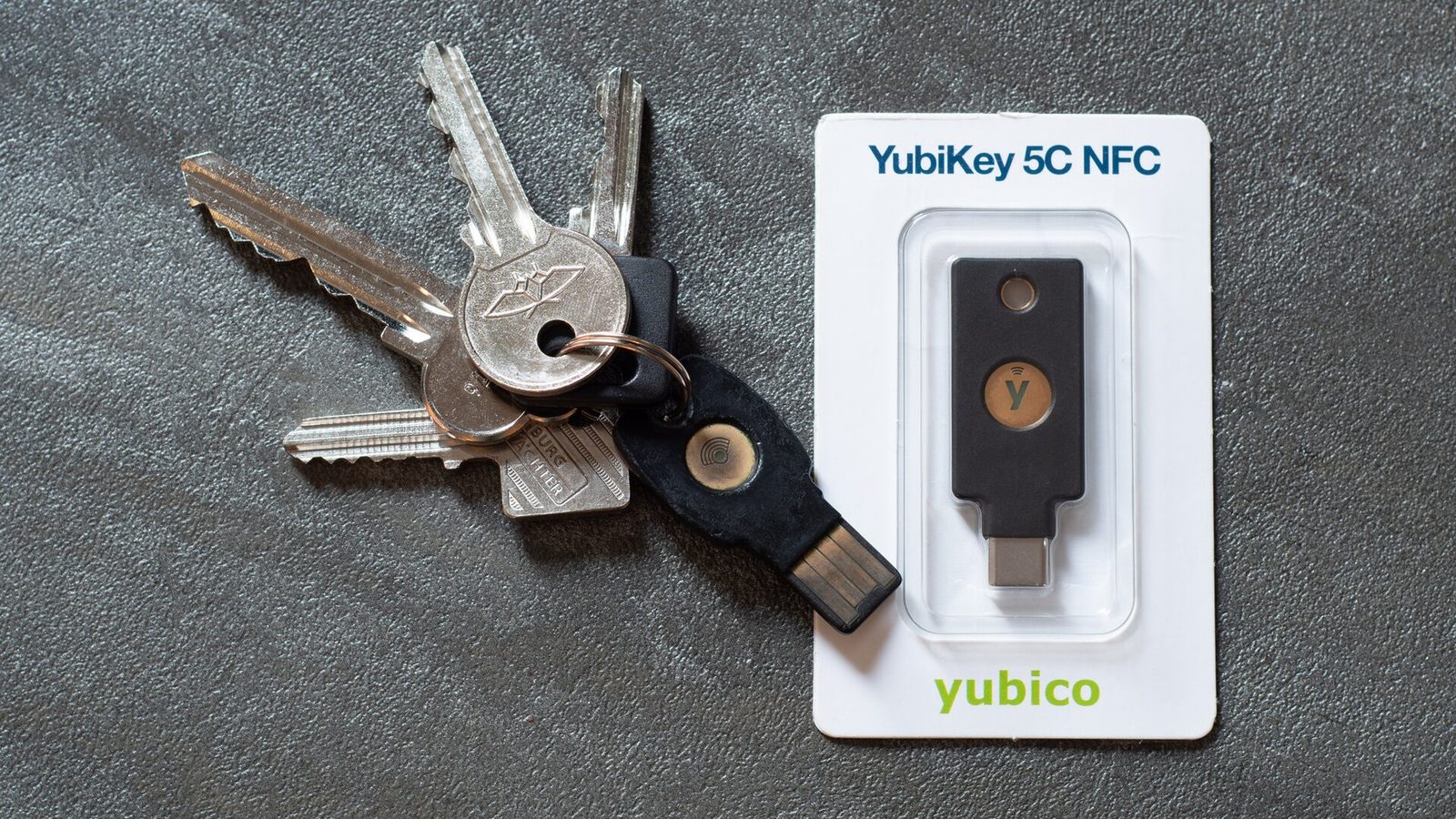
Photo: Daniel Aleksandersen, CC BY 4.0, via Wikimedia Commons
Most account takeovers that beat multifactor authentication do not break the cryptography. They borrow the code. A victim is lured to a convincing copy of a login page, types in a password and the six digit code from an authenticator app, and the fake page relays both to the real site in real time. CISA’s guidance on multifactor authentication is blunt about the consequence: methods differ sharply in how much protection they actually give, and only one widely available family of methods is built so that a credential handed to the wrong site simply does not work. That family is FIDO/WebAuthn, the standard underneath passkeys and hardware security keys.
What makes a method phishing resistant
A passkey is a cryptographic key pair created for one specific service. The service stores the public key. The private key stays on the user’s phone, computer, or hardware key, and is released by the same fingerprint, face scan, or device PIN that unlocks the device. At sign-in, the authenticator signs a challenge that is bound to the service’s real web address. Show that credential to a lookalike domain and the mathematics fail: there is no shared secret to type, forward, or replay, and the credential refuses to authenticate to an address it was not created for. CISA’s fact sheet on implementing phishing resistant MFA describes FIDO/WebAuthn in exactly these terms and treats it as the reference standard, with smart cards as the other qualifying option in managed environments.
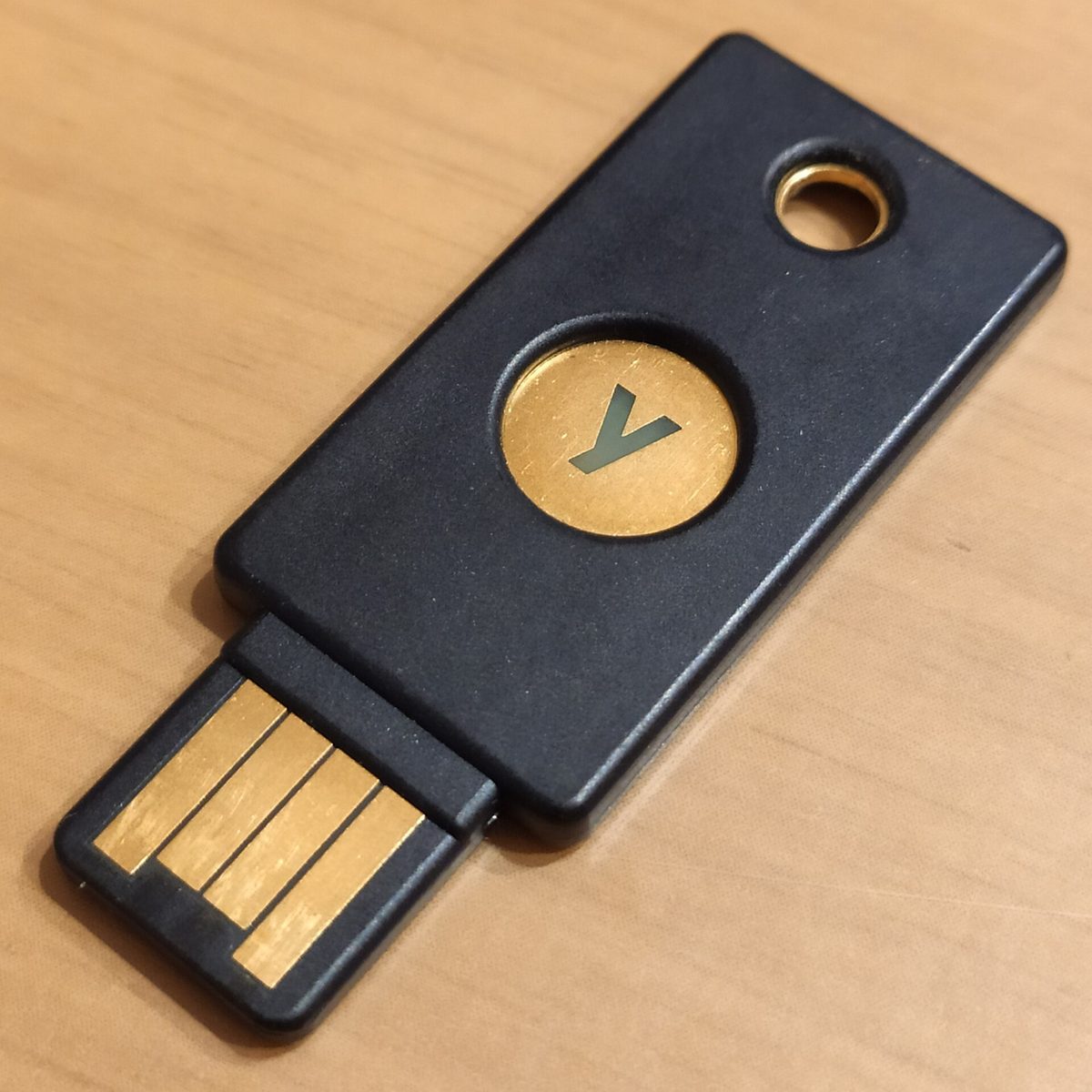
Photo: Aldolat, CC BY-SA 4.0, via Wikimedia Commons
How CISA ranks the familiar options
CISA lists the popular forms of MFA as text message or voice codes, application based codes and prompts, and phishing resistant methods. Its fact sheet places FIDO/WebAuthn at the top. One time codes from an app are stronger than SMS but remain phishable, because the code is a shared secret the user can be tricked into giving away. Push approvals can be worn down by repeated prompts, the fatigue pattern behind several well known breaches. SMS and voice codes sit at the bottom of the ranking, exposed both to phishing and to SIM swapping, and CISA treats them as a last resort. The practical reading is not that codes are worthless. Any MFA blocks the bulk of password only attacks. It is that an organization which believes its job is done because it rolled out app codes has measured the control by its presence, not by what it stops.
Rolling passkeys out without locking everyone out
CISA’s rollout guidance starts where the risk concentrates: system administrators, help desk staff, and accounts with broad access to email or personnel records get phishing resistant credentials first. Three habits make the difference between a smooth migration and a help desk flood. First, register a backup credential at enrollment time, a second key or a second device, because a single lost phone should not become an account recovery incident. Second, harden the recovery path itself, since attackers who cannot phish a passkey will aim at the reset flow instead; a recovery process that falls back to SMS quietly reinstates the weakest method as the effective one. Third, keep the older method available only as a deliberate, time limited exception during transition, and log every use of it. Passkeys are now offered by the major account providers and password managers, so for most readers the first step is free and takes minutes: turn on a passkey for the email account everything else resets through, then work outward to banking, work, and social accounts in that order.
No corrections have been published for this article.